
Custom Edge Printing & Metallic Gilding
Add-On Pricing Calculator
*this is an add on; add the cost to your book order.
*edge gilding and digital printing cost the same.
We Offer Two Edge Pptions:
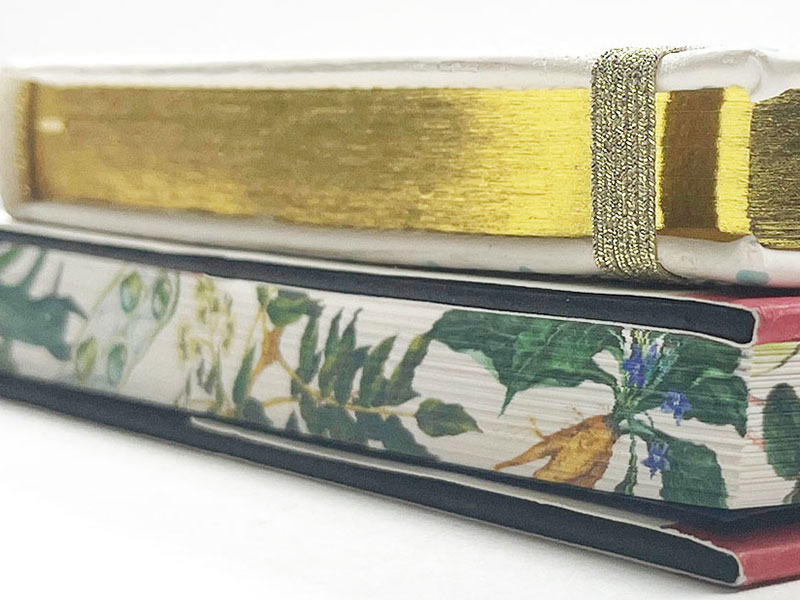
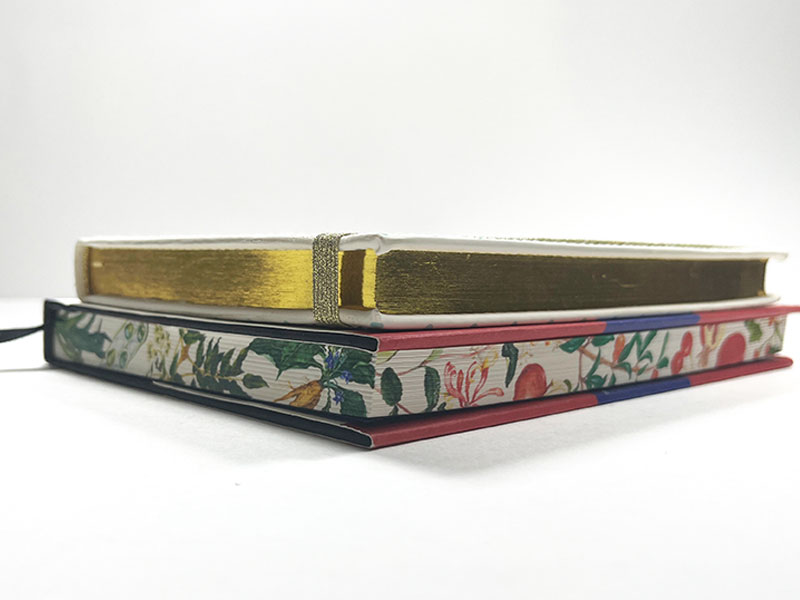
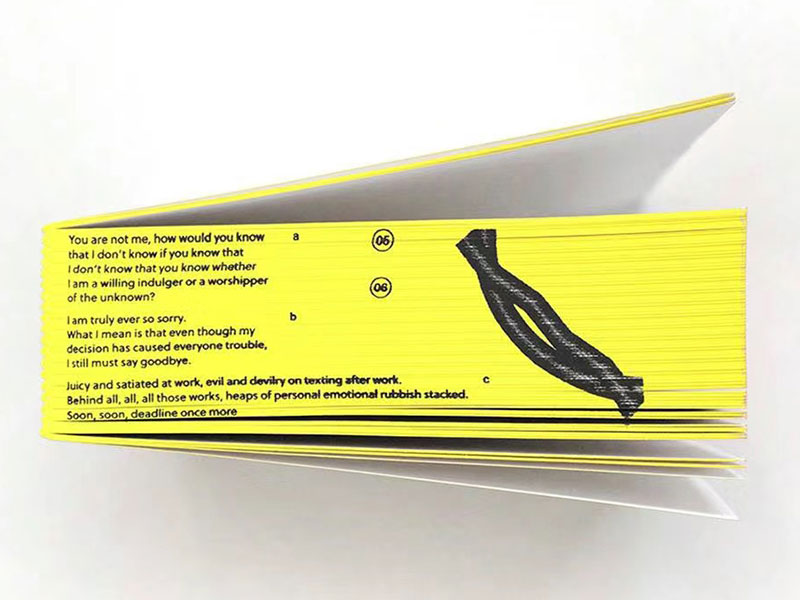
- Digitally Printed Edges (full-color artwork)
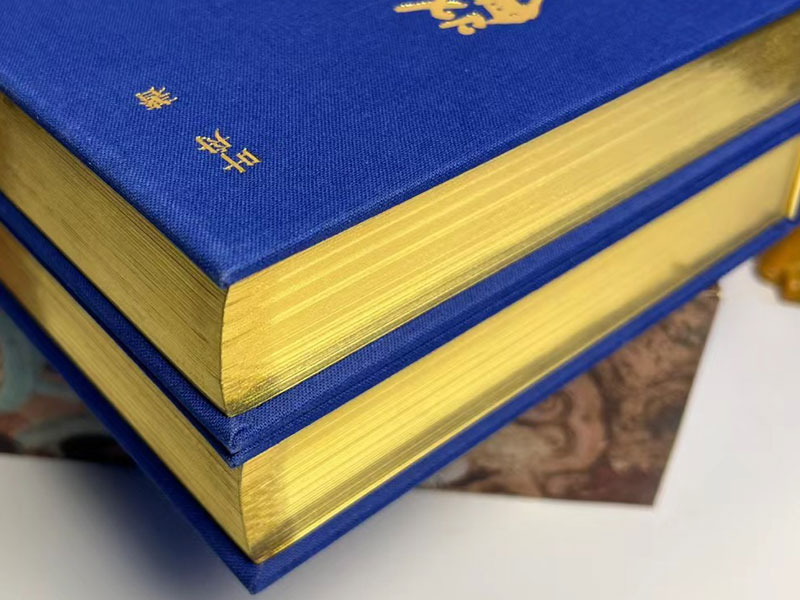
- Metallic Gilding (gold, silver, or copper)
- Available for perfect bound and hardcover
- Minimum thickness requirement: 10mm
- Turnaround: +3–5 business days
This is an add-on. First, use our calculator to get your base book price. If you want to add it to your project, mention it on the order form and we’ll follow up. You’ll need to send the edge artwork along with your book files.
What Is Edge Printing and Gilding?
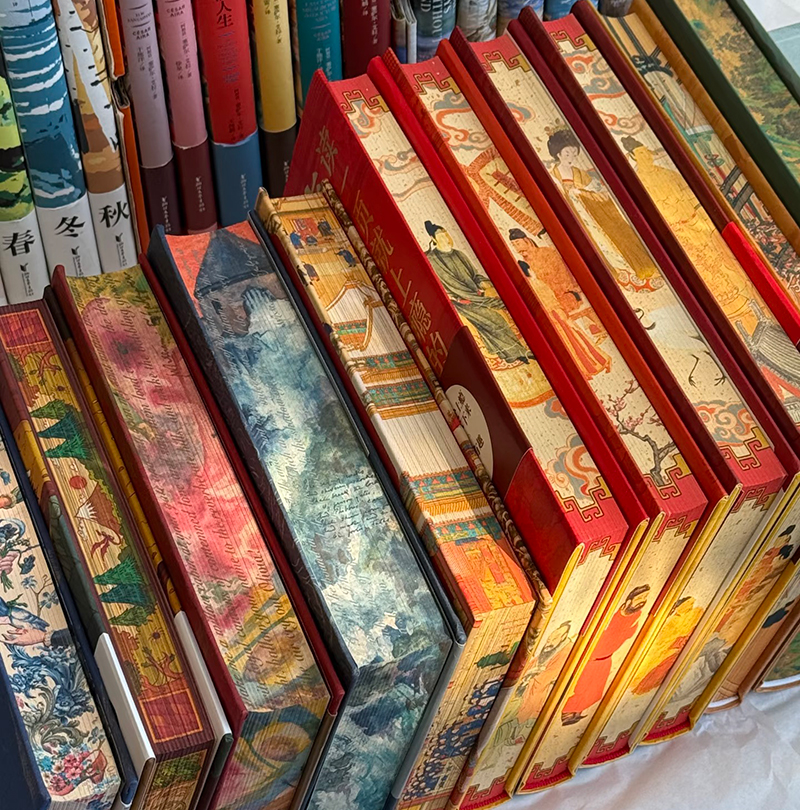
Edge printing adds color or artwork to the trimmed edges of your book pages, so the design shows when the book is closed. You may also hear it called page-edge printing, printed edges, or decorated edges. Solid-color finishes are often called sprayed edges or painted edges. Metallic finishes are usually called gilded edges or gilt edges (gold, silver, or copper).
Quick Background
Edge treatments have been used for centuries, especially on religious and ceremonial books, because they made a book look more prestigious. As a bonus, they also helped protect the page edges from dust and moisture. Metallic gilding in particular became a classic “royal” finish. Today, modern production makes it much more flexible. We can still do classic gilded edges, and we can also use newer digital printing methods to add full color patterns and artwork on the edges for a special look.
In recent years, decorative edges have made a big comeback. You’ll see them often on special edition releases, especially on thick fiction books like romance and fantasy, where the page block becomes part of the design. They’re also popular in Kickstarter campaigns, where printed-edge editions are often offered as limited rewards for early or premium backers.
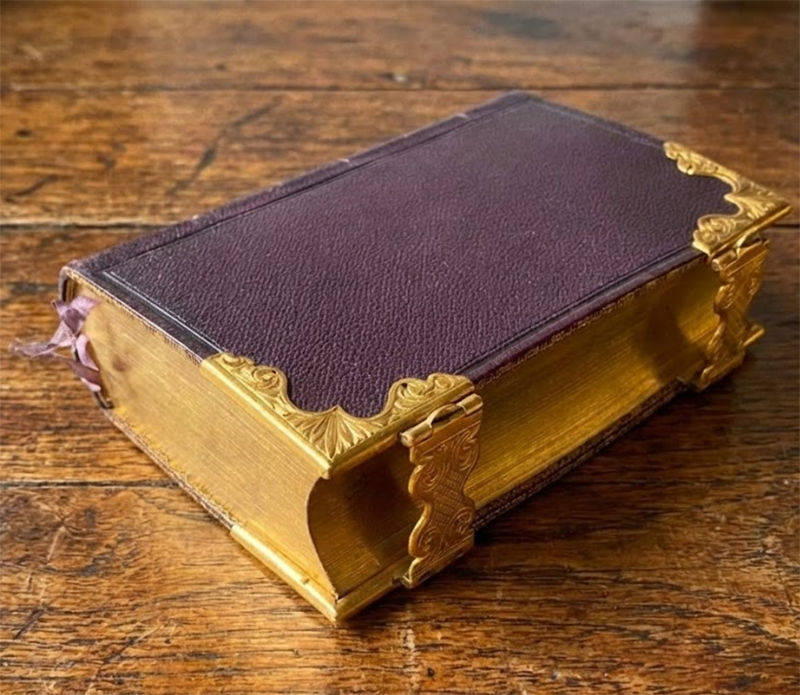
The Book of Common Prayer (1846) — Printed by George E. Eyre & William Spottiswoode (Queen’s Printers). Leather cover with gold-gilded edges.
How We Apply Edge Treatments
Printed Edge Procedure
For printed edges, we start with the book block already bound and trimmed, but not yet case-in (no hardcover attached). We bundle multiple book blocks together into a larger clamped stack, then run the stack through a belt-fed digital edge printer. An inkjet printhead sprays the design directly onto the book edges with digitally controlled precision, using high-quality, fast-drying ink to ensure clean, consistent results. After printing, the blocks go back to finishing for the normal case-in (cover attachment) process.
Metallic / Foil Edge Procedure
The preparation is the same as printed edges, the book blocks are bound and trimmed, but not yet case-in, then bundled into a larger clamped stack. Next, we lightly sand the edge surface with a fine-grit sander to make it smooth for better adhesion. We apply the metallic film, then use a heated roller/press to bond the film onto the edges. After it sets, we trim off the excess film for a clean, finished edge.
How to Prepare the Files
Metallic Gilding
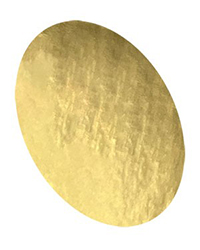
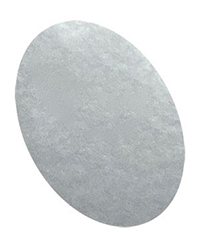
No artwork file is needed. We offer three standard metallic colors: gold, silver, and copper. Just tell us which color you want when you place the order. If you’re looking for a different metallic color, feel free to ask us for availability.
Gold
Silver
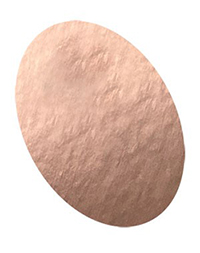
Copper
Printed Edge
There are a few limitations, please read this before you start.
*Interior limitation: avoid full-bleed pages
If your interior pages are full bleed all the way to the trim, the edge can look messy and the printed design may not hold cleanly. For best results, keep a clean margin at the trim with little to no heavy ink coverage right at the edge. If your book must be full bleed, tell us first and we’ll advise what’s realistic.
If only some pages are full bleed, that’s usually fine. Just know that the cleaner the page edges are, the cleaner the printed edge will look.
*Use the thickness calculator and template
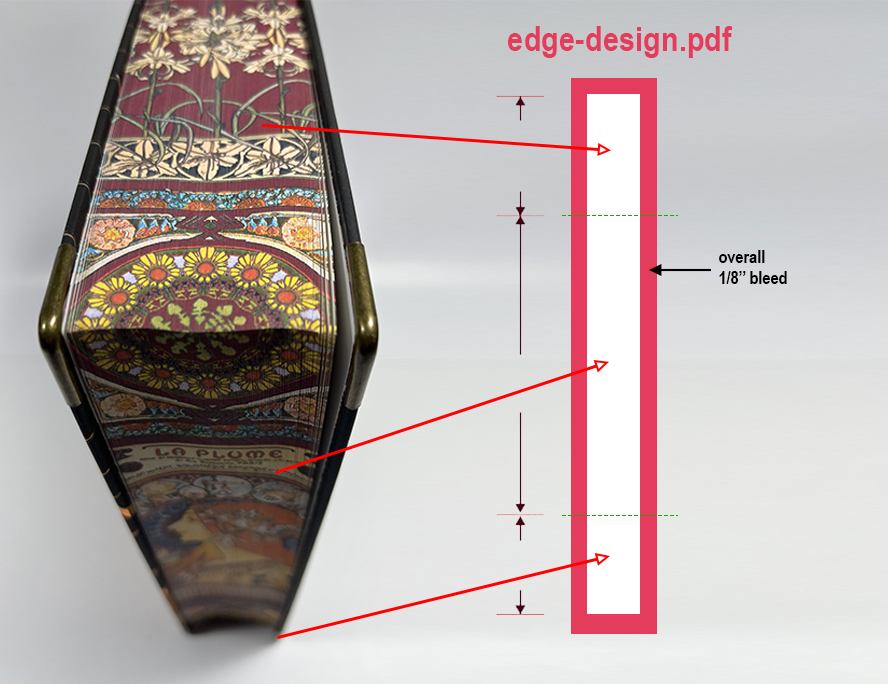
To set up the artwork correctly, you need the book block thickness. Start with your trim size, then use our thickness calculator to get the book block thickness based on your page count and paper. Once you have the thickness, download our template and update it to match your book.
Download Edge Printing Template
*Files we expect
You only need to submit one file. Modify our printed-edge template, place your edge artwork into the template, and export it as a CMYK PDF. If you only want the side edge printed, simply leave the top and bottom sections of the template blank.
FAQs
Will the printed edges rub off, scratch, or flake?
Can the edge color bleed onto the page faces?
Do printed edges affect readability or cause pages to stick?
Does gilding prevent yellowing?
Will the edge design line up perfectly and look identical on every copy?